
TikTok Video Downloader
Downloading TikTok videos online is simple, until a TikTok update gets in the way. 4K Tokkit offers a more reliable way to save TikTok videos to your computer.

4K Tokkit











Download More from TikTok
Download TikTok Videos in High Quality
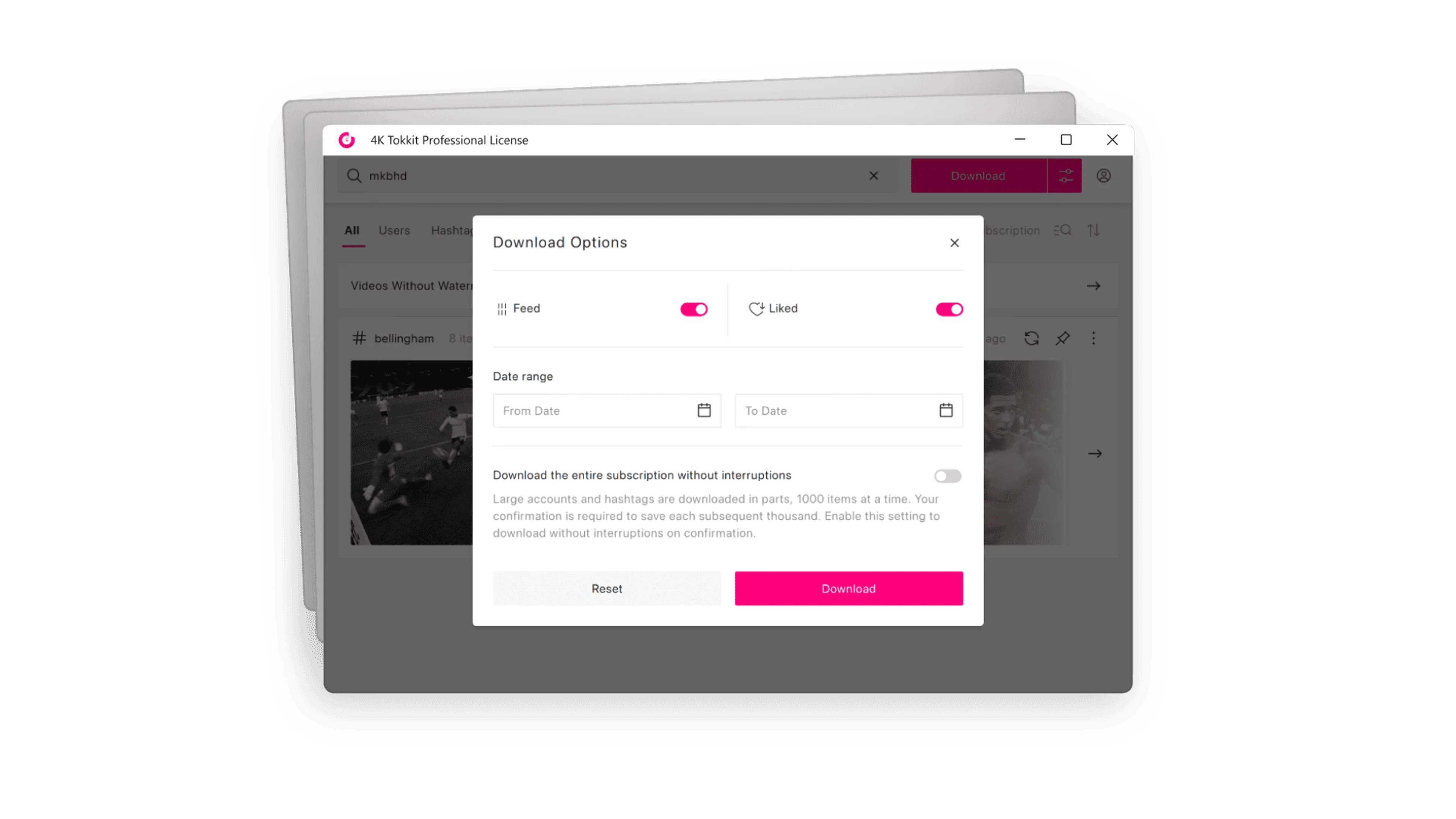
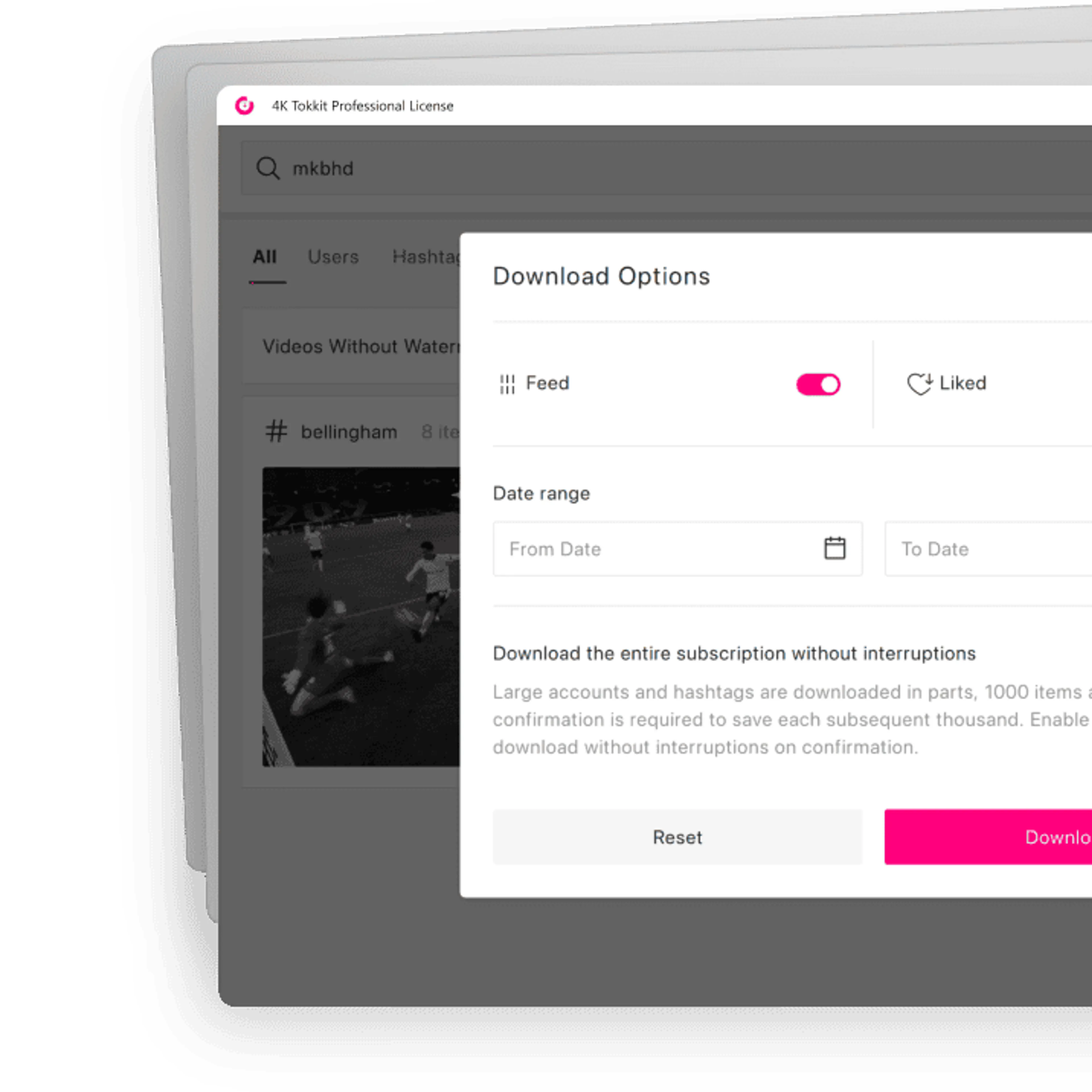
Save TikTok videos in high quality on your desktop for offline viewing. Download individual clips or multiple videos at once in up to Full HD 1080p, watermark-free.


Save Full TikTok Accounts
Download entire TikTok accounts instead of saving videos one by one. Get TikTok videos from private accounts you follow as long as you have access to them.

Download TikTok Hashtags
Save TikTok hashtags in one go to keep up with viral trends, niche topics, and popular challenges. Downloads are stored in MP4 format for easy playback.
Save Videos by Sound
Save TikTok videos by sound and build collections around specific audio clips. Get videos related to specific songs, meme sounds, or trending formats.

Back Up Likes and Favorites
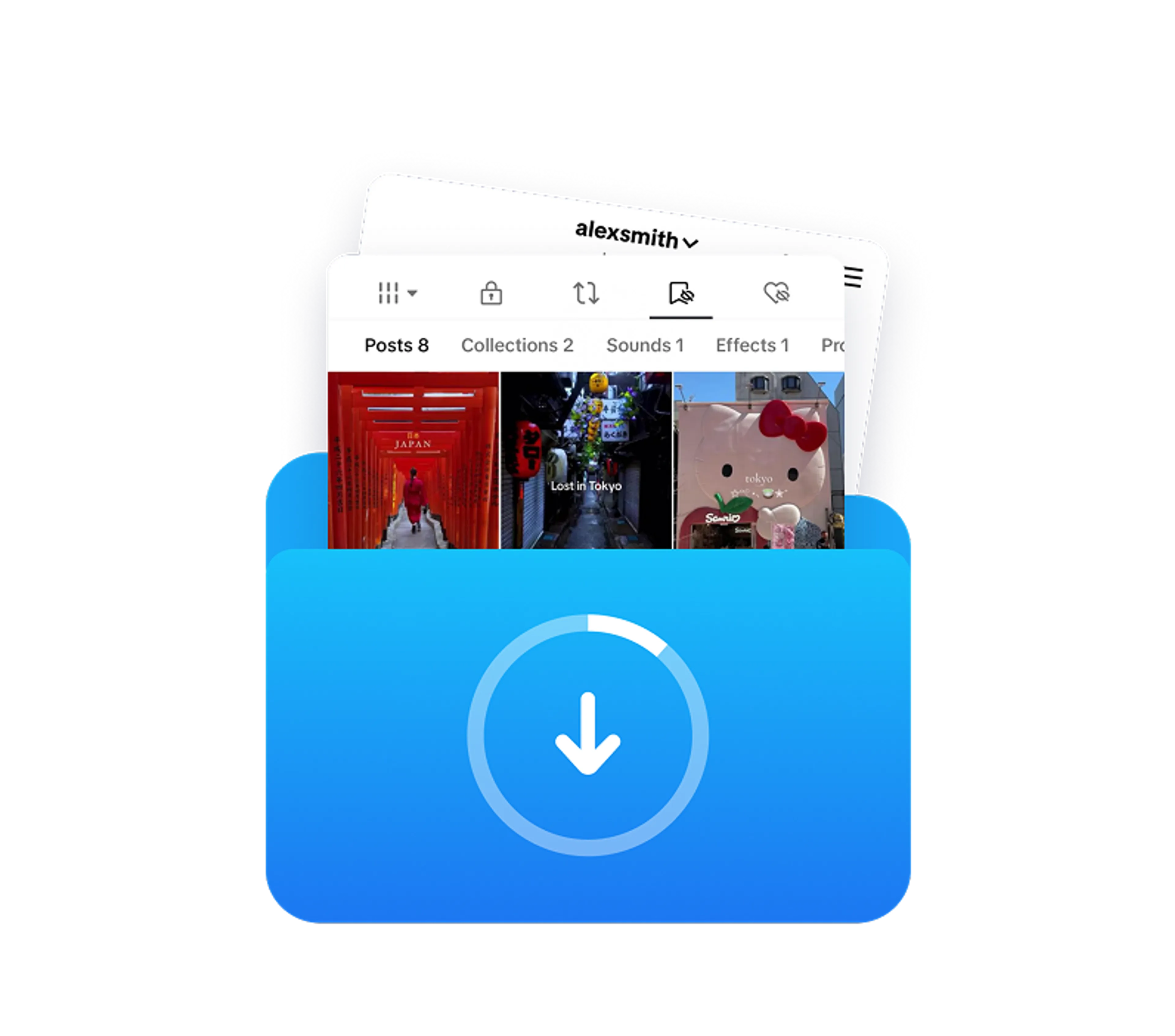
Download TikTok clips that you liked or added to your Favorites. Hold on to the videos you return to most without digging through the app.

Auto-Download New Posts
Auto-download new TikTok posts from selected accounts and hashtags. Keep your collection current without repeated manual downloads.
How to Download a TikTok Video
Install and Launch 4K Tokkit
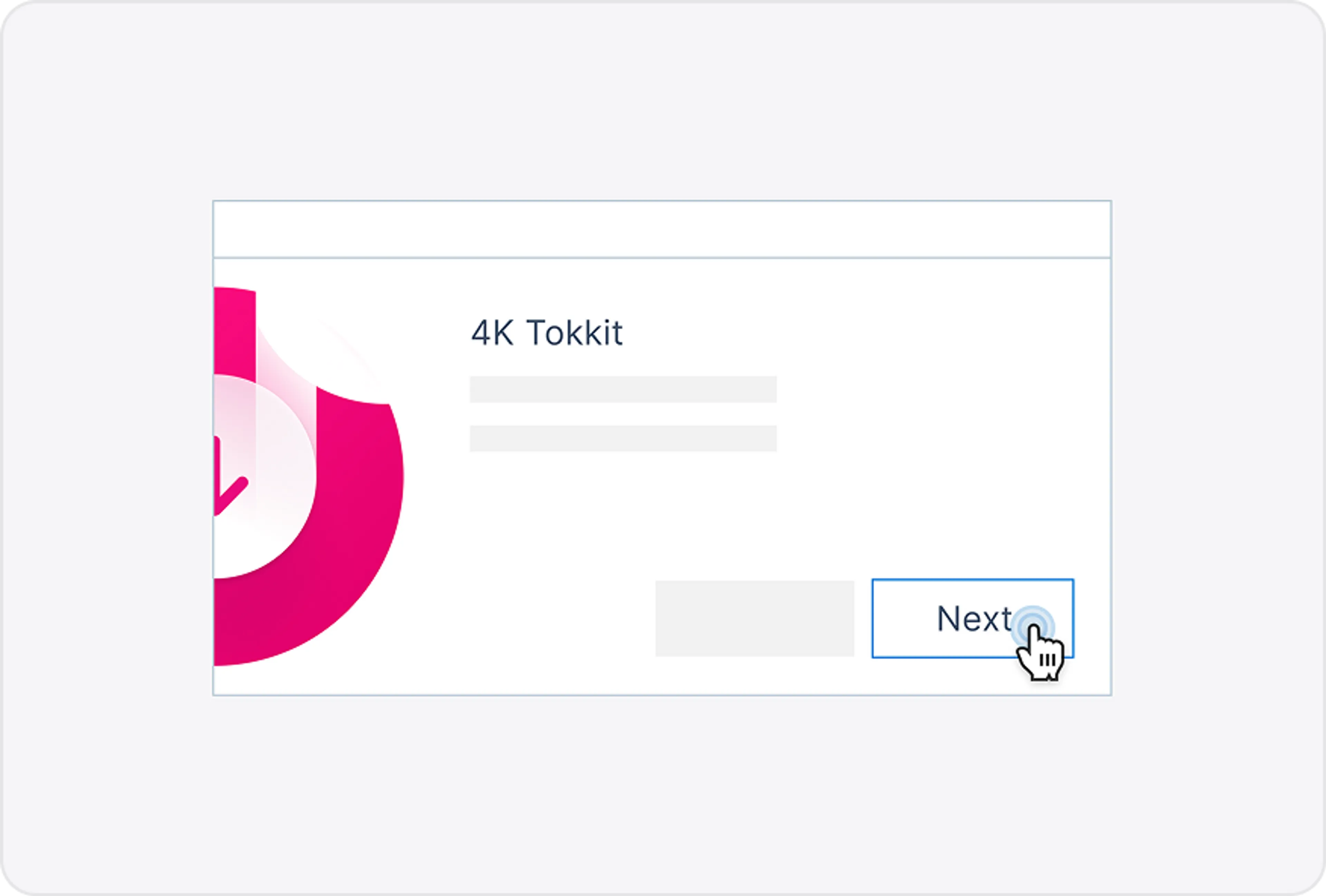
Download and install 4K Tokkit on your Windows, macOS, or Linux. Open the app to get started.
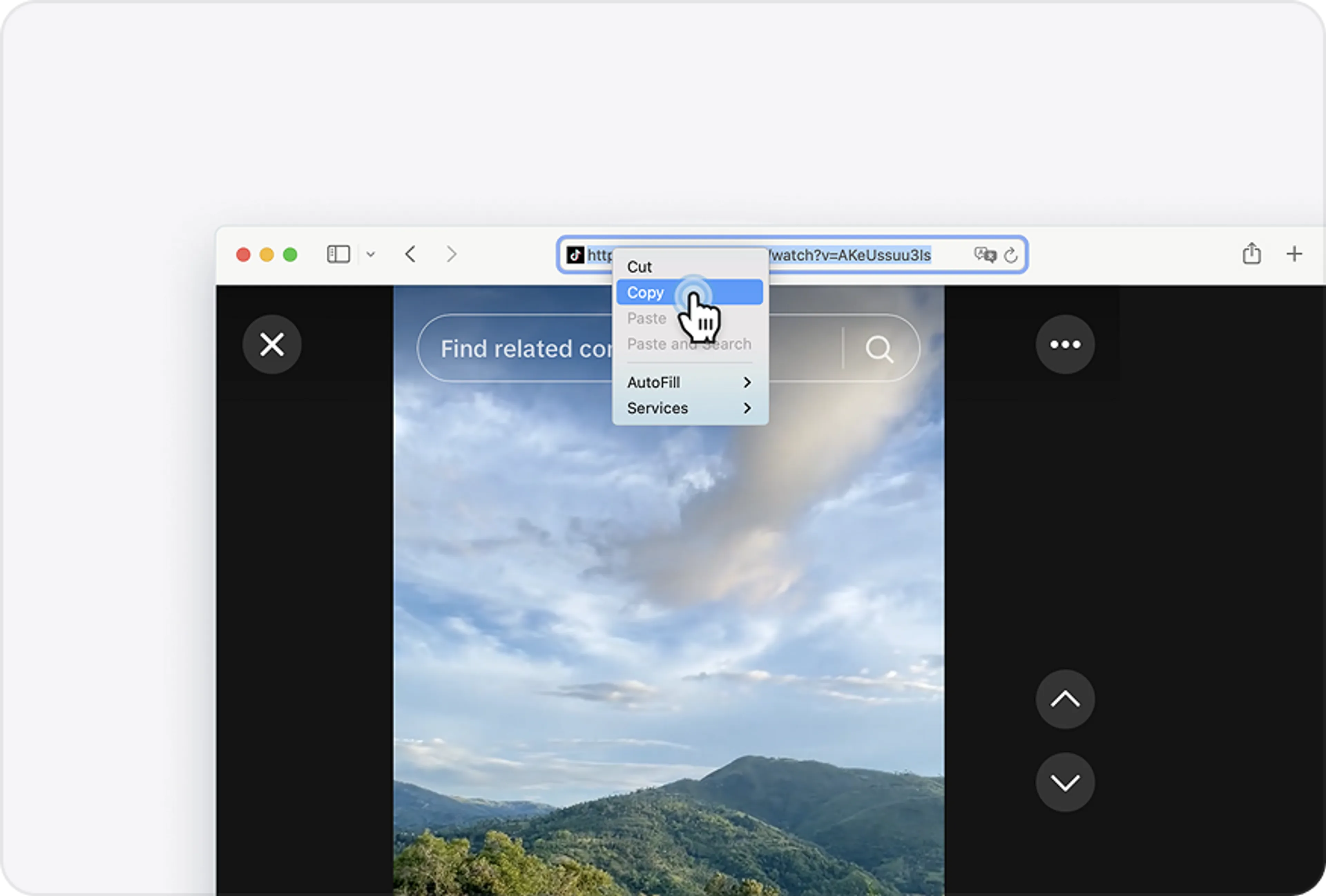
Copy the TikTok URL
Find the TikTok video you want to download and copy its link.
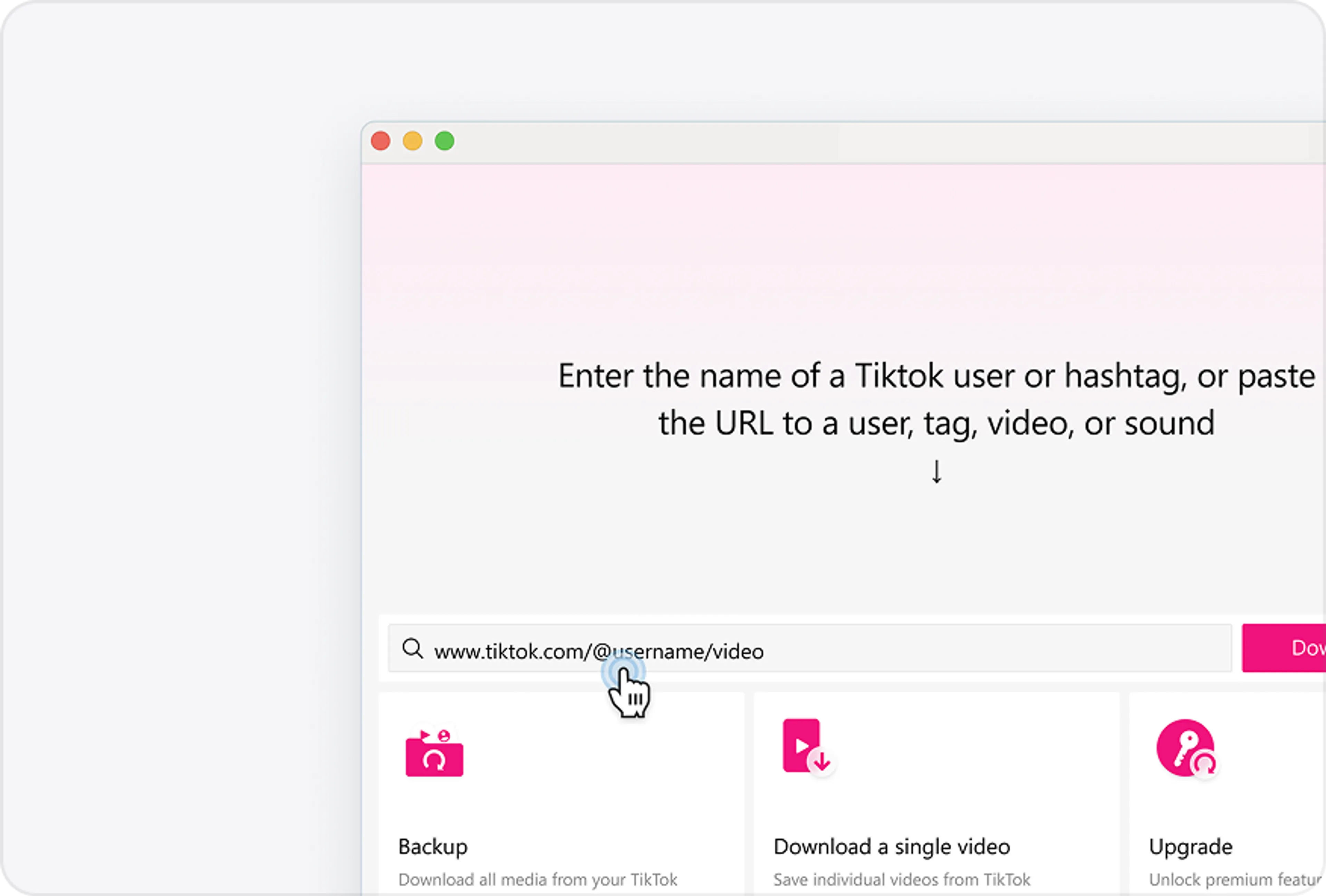
Paste the Link
Paste the TikTok URL into the search bar in 4K Tokkit.
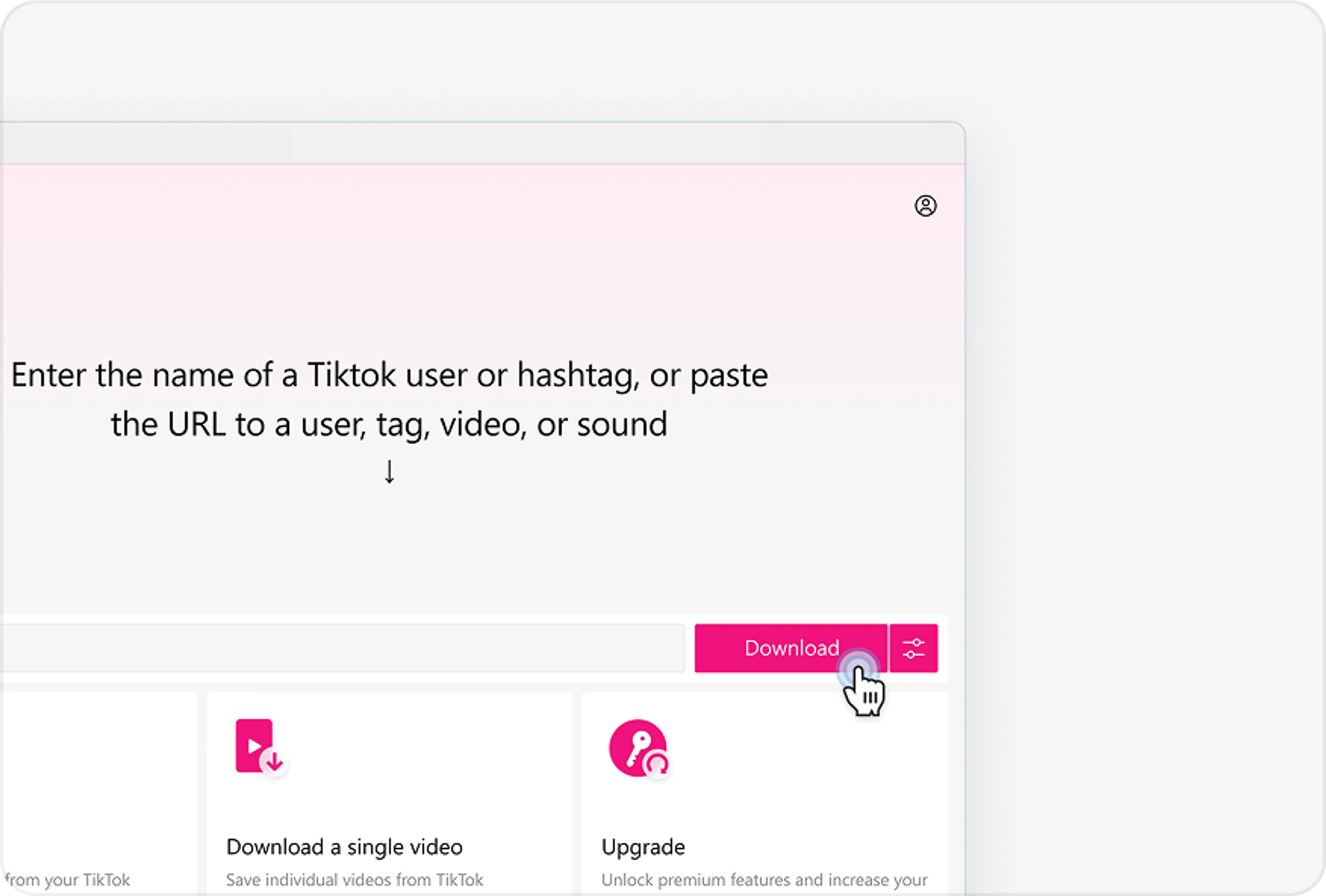
Start Downloading
Click the Download button to save the video to your computer.
TikTok Video Downloader FAQ
Yes, 4K Tokkit is safe to install and use. Independent scans have not flagged it for malware, spyware, or other harmful components. You can check the latest VirusTotal report here.
Yes. Most TikTok videos downloaded with 4K Tokkit are saved without the TikTok watermark. If a video does come with a watermark, you can use the built-in watermark removal feature to remove it.
4K Tokkit also never adds its own watermark to anything you download.
By default, downloaded videos are saved to the output folder selected in 4K Tokkit.
You can check or change this location in the app by going to Control Panel > Preferences > Output Folder.
Over 60 Million Users Enjoy Using Our Apps
4K Tokkit